What Is a DataLayer and Why Does It Matter for Your Business?
When it comes to improving your website’s performance and getting the most out of your marketing efforts, you may have heard terms like Google Tag Manager, tracking pixels, or performance marketing. One key tool that ties all these together is something called the dataLayer. But what exactly is it, and why is it so important for your business?
Let’s break it down in simple terms and explore how it can benefit both eCommerce & Lead Generation businesses.
What Is a DataLayer?
Think of the dataLayer as the “invisible notebook” your website uses to record what visitors are doing. When someone interacts with your website—such as adding an item to their cart, making a purchase, or viewing a specific page—this action is logged in the dataLayer.
The data stored in the dataLayer can include:
- Subtotals and grand totals for purchases.
- Taxes and shipping costs.
- An array of items purchased, including item names, quantities, and prices.
- Visitor actions such as searches, form submissions, or video plays.
This information is then passed to marketing tools like Google Analytics 4, Google Ads, and Meta Ads using tagging tools such as Google Tag Manager (GTM).
For a detailed explanation of how Google Tag Manager works, check out Our Conversion Tracking & Website Tagging Guide.
Why Is a DataLayer Important for eCommerce?
For eCommerce businesses, the dataLayer is a powerhouse that helps track customer behavior and optimize ad campaigns. Here’s how:
1. Advanced eCommerce Tracking
The dataLayer allows you to track every aspect of a transaction, including:
- Subtotals, taxes, and grand totals for every purchase.
- A full array of items purchased, including individual SKUs, prices, and quantities.
- Discounts added at checkout.
- Stages of the buyer’s journey such as “item viewed”, “add to cart”, “shipping details” & most importantly, “Purchase”
For example, if a customer buys two pairs of shoes and a hat, the dataLayer will record this information and send it to your analytics tools. This is essential for reporting and improving your return on ad spend (ROAS). View Ecommerce dataLayer schema for GA4.
2. Smarter Advertising Campaigns
By using dataLayer information, you can create highly targeted campaigns. For instance:
- Show dynamic ads featuring the exact products someone viewed but didn’t purchase.
- Exclude customers who have already bought a product from seeing the same ad.
- Target customers who filled out top of funnel forms on your website such as Newsletters or Blogs.
Example: Let’s say a customer adds a jacket to their cart but doesn’t complete the purchase. The dataLayer records this action, and your Google Ads campaign can automatically retarget the customer with an ad for that jacket.
3. Accurate Conversion Tracking
Without the dataLayer, tracking key actions like checkouts, add-to-cart events, or item views becomes challenging. The dataLayer ensures all these events are tracked accurately, giving you a clearer picture of your marketing performance.
This also helps with tracking detailed eCommerce metrics, such as:
- Average order value (AOV).
- Conversion rates by product or category.
How Does the DataLayer Work with Google Tag Manager?
The dataLayer is a foundational tool that works seamlessly with Google Tag Manager (GTM). Here’s how it works in a nutshell:
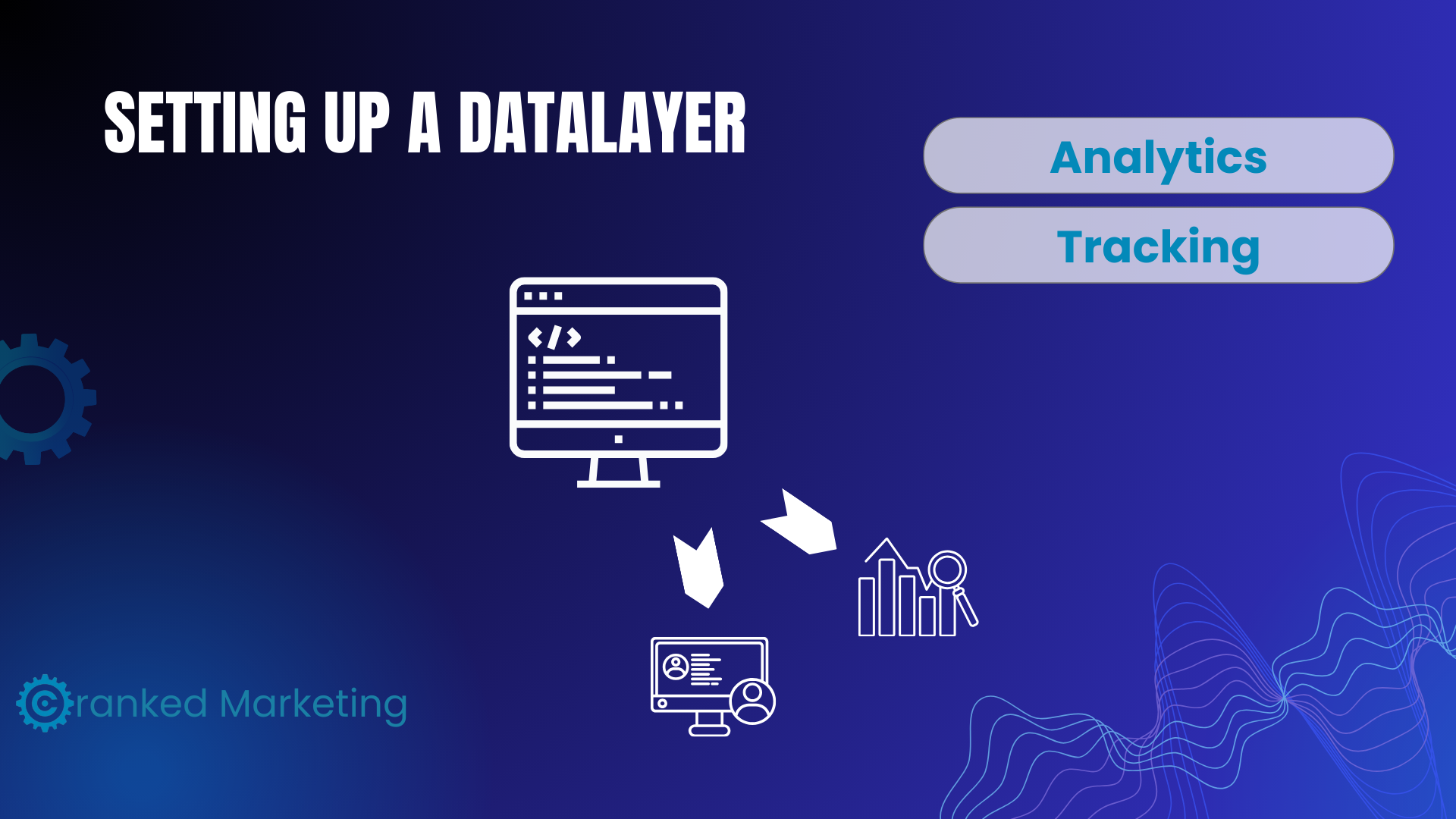
- Your Website Captures Data: A visitor makes a purchase, searches for a product, or fills out a form.
- The DataLayer Records It: These actions (e.g., purchase subtotal, taxes, items bought) are stored in the dataLayer.
- GTM Sends the Data Where It’s Needed: GTM reads the dataLayer and forwards the information to tools like Google Ads or Facebook Pixel for tracking.
Benefits of the DataLayer for Your Business
- Improved Marketing ROI: Know exactly which campaigns are driving sales and focus your budget on what works.
- Accurate Reporting: Track detailed metrics like cart abandonments, checkout completions, and total revenue.
- Seamless Integration: The dataLayer makes it easy to connect your website with tools like Google Analytics 4 and Facebook Ads Manager.
Why You Need to Set Up a DataLayer
If you don’t have a dataLayer, you’re missing out on valuable insights that could help you grow your business. Here’s why:
- Without the dataLayer, tracking purchases and user actions becomes manual and error-prone.
- You won’t be able to take full advantage of dynamic advertising features, like showing product-specific ads.
Ready to Optimize Your eCommerce Tracking?
Setting up a dataLayer might sound technical, but with tools like Google Tag Manager, it’s simpler than ever. Our team specializes in performance marketing and can help you implement and optimize your dataLayer to get the most out of your ad spend.
And lastly don’t forget to keep all of this data compliant with Federal and Local cookie consent laws. For more information on cookie compliance read our Guide on Cookie Compliance.
Let’s make your website work smarter, not harder. Contact us today to get started!