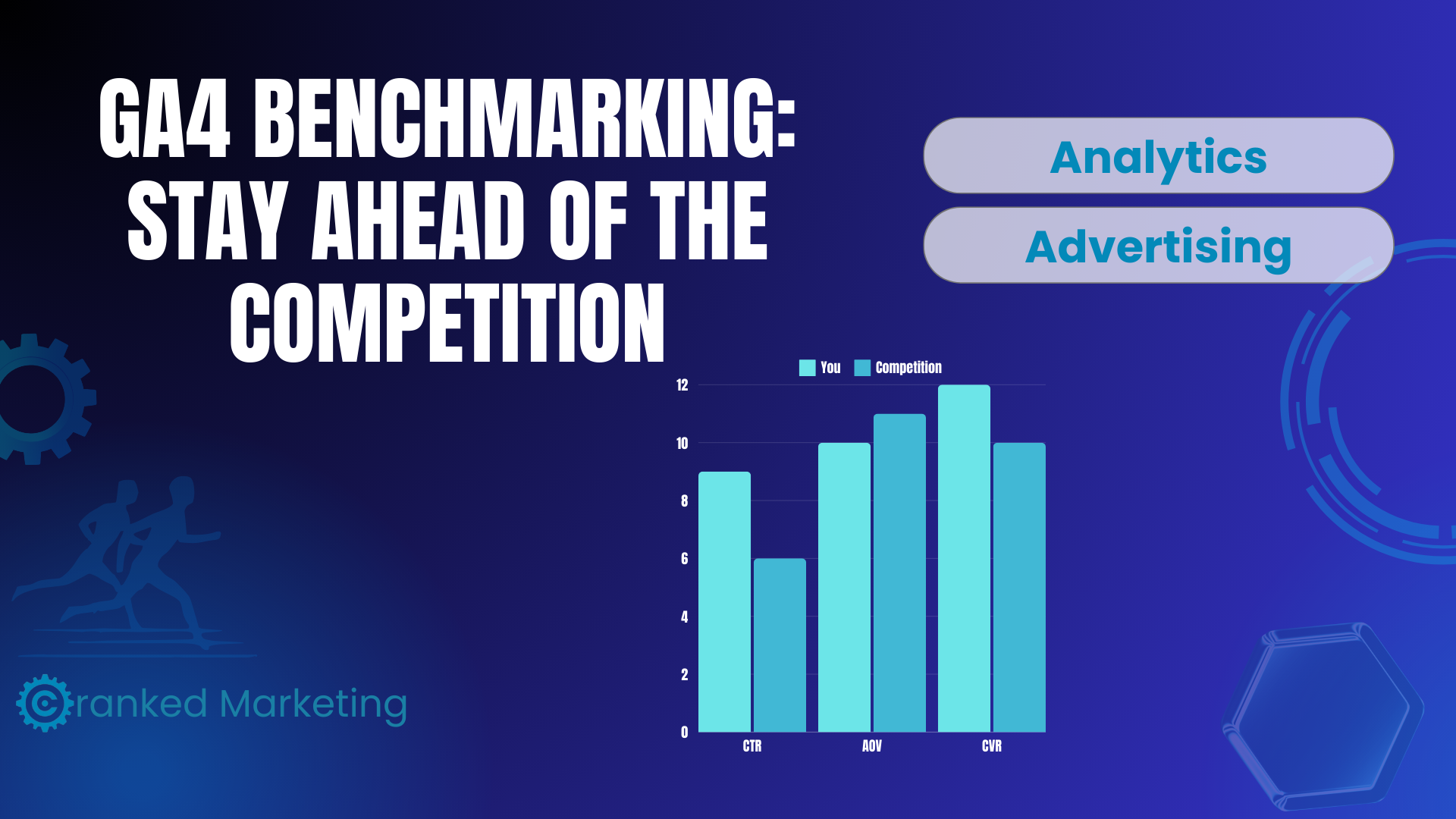
Compare Your Website’s Performance with Industry Peers
In the world of digital marketing, knowing how your website stacks up against the competition is like discovering a goldmine. With the new Google Analytics 4 (GA4) benchmarking feature, you can now compare your site’s performance with industry standards and similar businesses. By leveraging these insights, you can identify growth opportunities and refine your strategies to get ahead.
Here’s a comprehensive look at GA4 benchmarking, its features, and how you can use it to elevate your marketing game.
What is Google Analytics 4 Benchmarking?
GA4 benchmarking enables you to measure your website’s performance against aggregated, anonymous data from similar businesses across your industry. These metrics serve as reference points, helping you identify strengths and areas that need improvement.
For example, you can see how your bounce rate, average engagement time, or conversion rates compare to others in your industry. This helps you understand where your business stands and what actions you can take to outperform your peers.

Key Features of GA4 Benchmarking
- Industry-Specific Peer Comparisons
Compare your performance with businesses in the same industry category to ensure accurate and relevant insights. - Benchmark Percentiles
GA4 provides benchmarks at different percentiles—such as the 25th, 50th (median), and 75th percentiles—so you can see where your business falls within the performance spectrum. - Real-Time Updates
Data is updated every 24 hours, ensuring you have the most current information to guide your decisions. - Comprehensive Metrics
GA4 benchmarking covers a variety of performance areas, including:- Acquisition: New user rate
- Engagement: Average engagement time, engagement rate
- Retention: Bounce rate, DAU/MAU (Daily Active Users/Monthly Active Users)
- Monetization: Average revenue per user (ARPU), add-to-cart rate
- Privacy Compliance
All benchmarking data is aggregated and anonymized, ensuring compliance with data privacy regulations. If you need support making sure your site is compliant, check out our guide on Cookie Compliance.
What Are Peer Groups in GA4?
Peer groups are businesses grouped together based on factors such as:
- Industry Vertical: Ensures comparisons are relevant to your business type.
- Company Size: Provides insights tailored to businesses of a similar scale.
- Geographic Location: Accounts for regional factors affecting performance.
These peer groups are broken down into high level categories which you can manually adjust in your GA4 reports. This is extremely useful when you may align with multiple verticals and want to benchmark against each business category.
Why Benchmarking is Crucial for Your Business
Benchmarking helps you:
- Identify Strengths: Discover where you outperform your peers and double down on those strategies.
- Pinpoint Weaknesses: Find areas for improvement, like reducing bounce rates or increasing engagement.
- Drive Growth: Use industry insights to align your strategies with market trends and outperform competitors.
For example, if your average engagement time per session is higher than the 75th percentile in your industry, you know your content is resonating well. On the flip side, a below-median new user rate may signal the need for better user acquisition strategies.
How to Set Up Benchmarking in GA4
Prerequisites:
- Ensure you have an active GA4 property tracking your website’s data.
- Enable the “Modeling contributions & business insights” setting under:
- Admin > Account > Account Details

Steps to Access Benchmarking Metrics:
- Navigate to the Home section of your GA4 account.
- Find the Overview card and select the metric you wish to analyze.
- Expand the Benchmarking category and choose the metric you want to view (e.g., engagement rate, bounce rate).
- Look for the Benchmarking badge in the top-right corner of the Overview card to ensure benchmarking is enabled.

How to Use GA4 Benchmarking Data
- Boost User Acquisition
If your new user rate is below the 25th percentile, consider optimizing your ad campaigns, SEO efforts, or content strategy to attract more visitors. - Improve Engagement
High engagement metrics (above the 75th percentile) signal strong user interest. Use this to increase conversions by adding clear CTAs, personalized offers, or related product recommendations. Learn more about effective CTAs in HubSpot’s guide. - Reduce Bounce Rate
A high bounce rate compared to your peers might indicate poor user experience or irrelevant content. Focus on improving navigation, optimizing page load speed, and refining content relevance. Tools like PageSpeed Insights can help identify performance issues. - Maximize Monetization
If your average revenue per user (ARPU) lags behind peers, try upselling, creating loyalty programs, or bundling products to increase customer value.
Customizing Peer Groups
Your peer group is automatically set based on your GA4 setup, but you can customize it to better reflect your business needs. Modify peer groups in the Benchmarking section of the Overview card by selecting factors such as industry vertical, company size, or geographic region.
This ensures your benchmarking data is as relevant and actionable as possible.

FAQs
What are the prerequisites for benchmarking in GA4?
You must enable the “Modeling contributions & business insights” setting in your GA4 Admin settings.
Can I change my peer group?
Yes, you can update your peer group anytime through the Overview card in your GA4 dashboard.
Is GA4 benchmarking data compliant with data privacy laws?
Yes, all benchmarking data is aggregated, encrypted, and anonymized to protect user privacy. For more information, check out Google’s data privacy practices.
Conclusion
Google Analytics 4 benchmarking empowers you to measure your website’s performance against industry peers, uncovering growth opportunities and areas for improvement. By leveraging these insights, you can refine your digital marketing strategies and stay ahead of the competition.
Take advantage of GA4 benchmarking today to unlock actionable insights and drive measurable business growth.